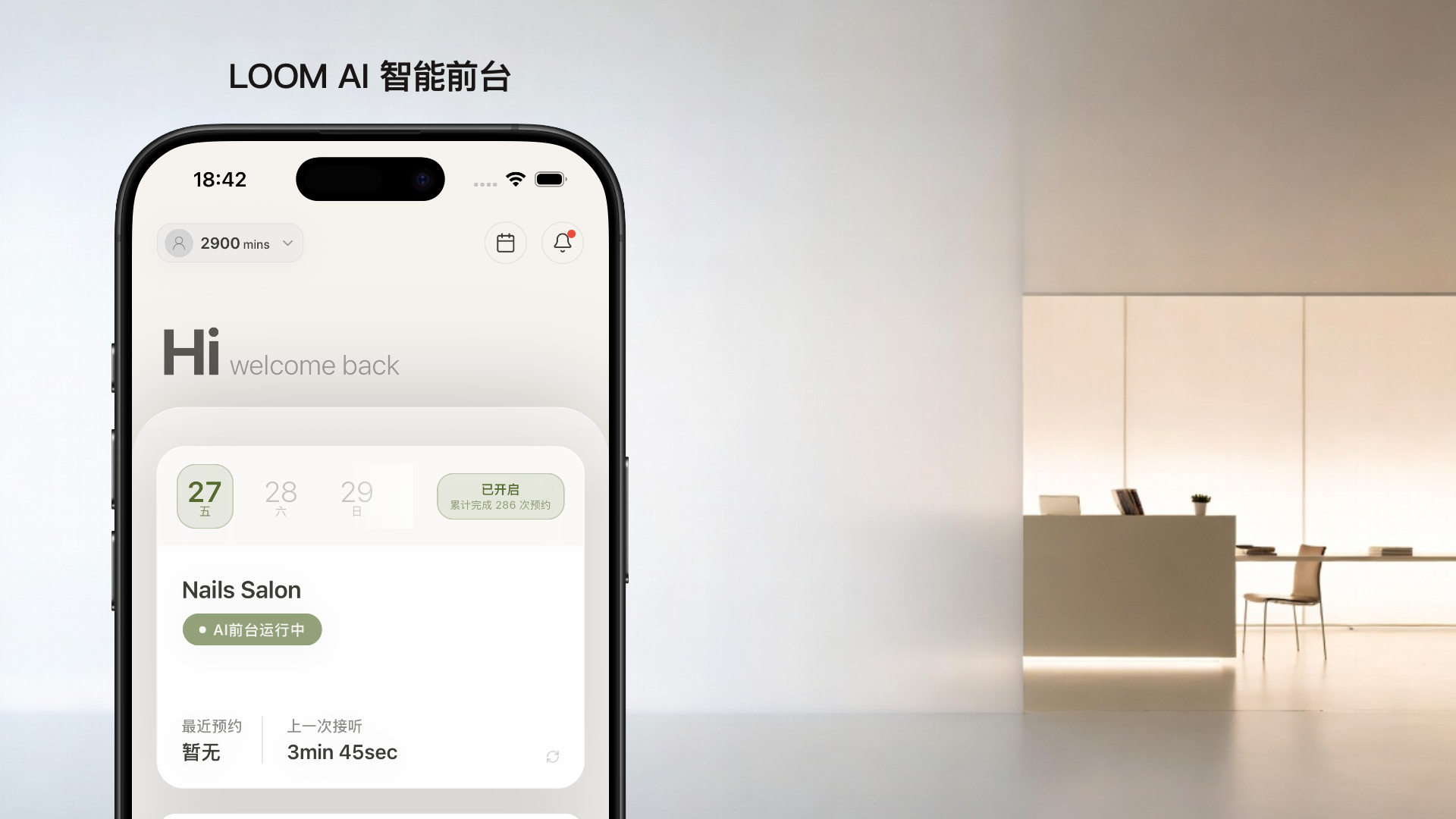
Welcome to LOOM AI
From sign-up to live — just 4 steps
Payment & Activation
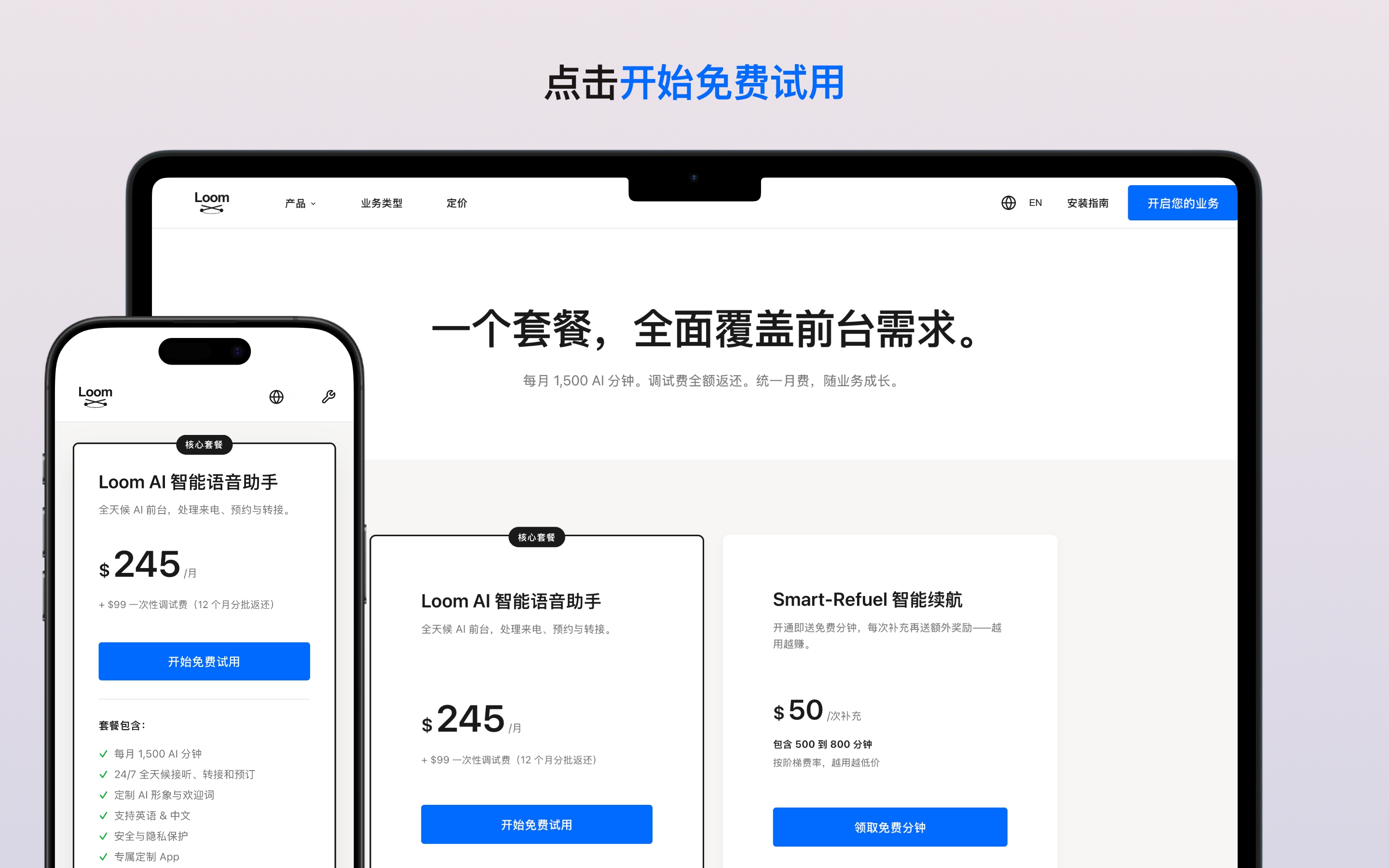
- Visit loom-us.com pricing page to complete your first payment
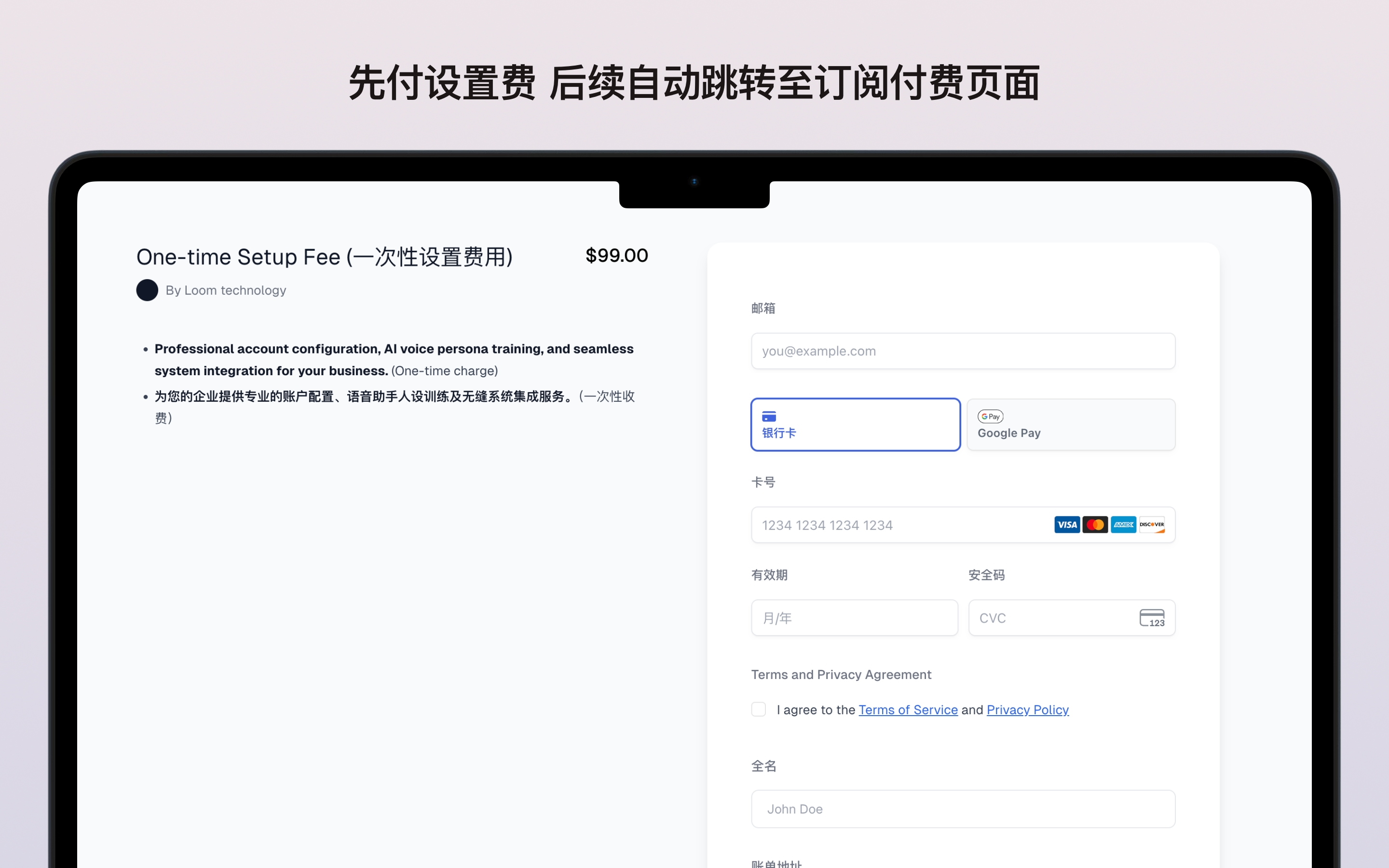
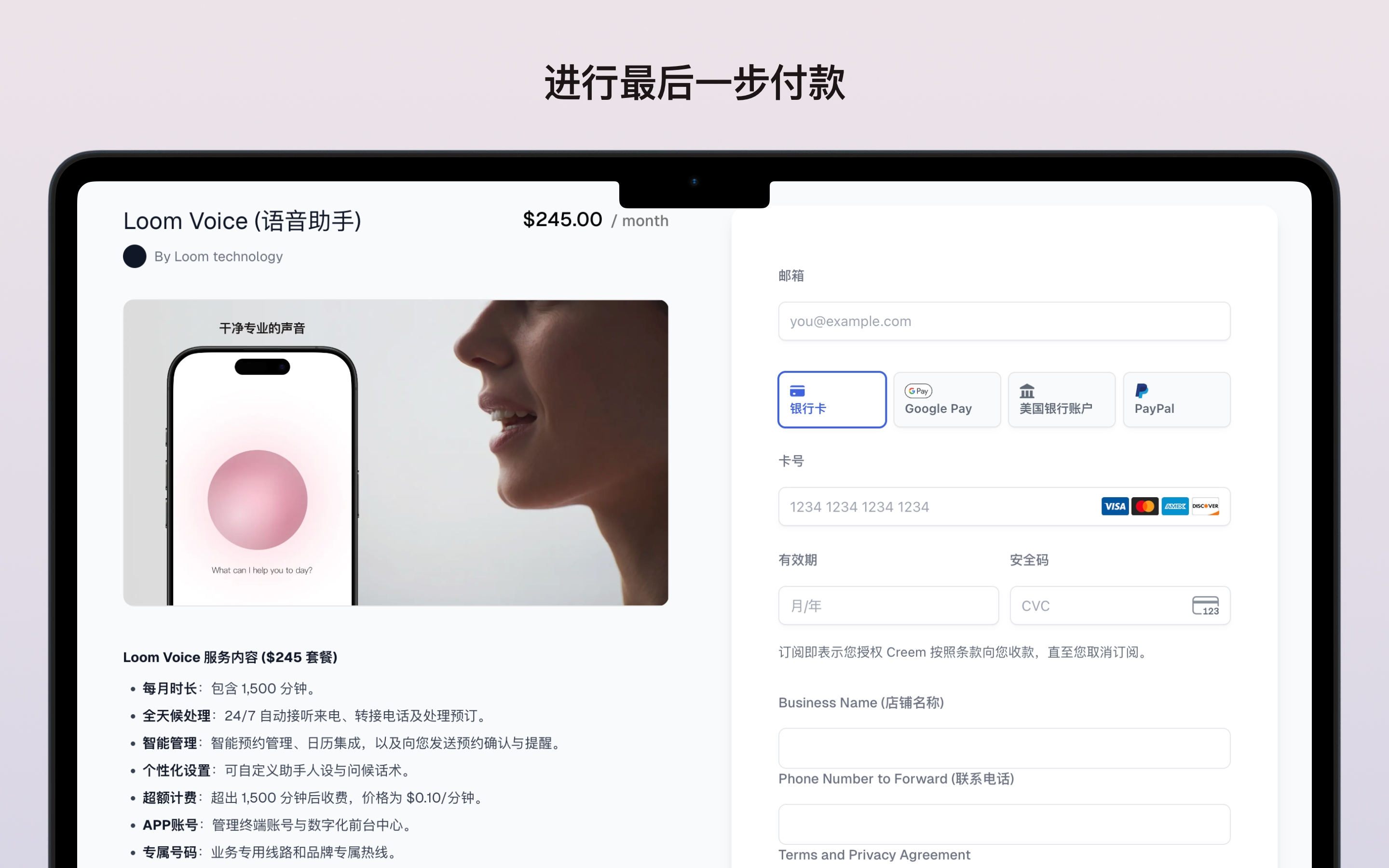
- First payment: $348 (subscription $249 + setup fee $99)
- Your dedicated AI receptionist phone number is assigned instantly upon payment
The $99 setup fee is fully credited back over your first 12 months
Set Up Your AI
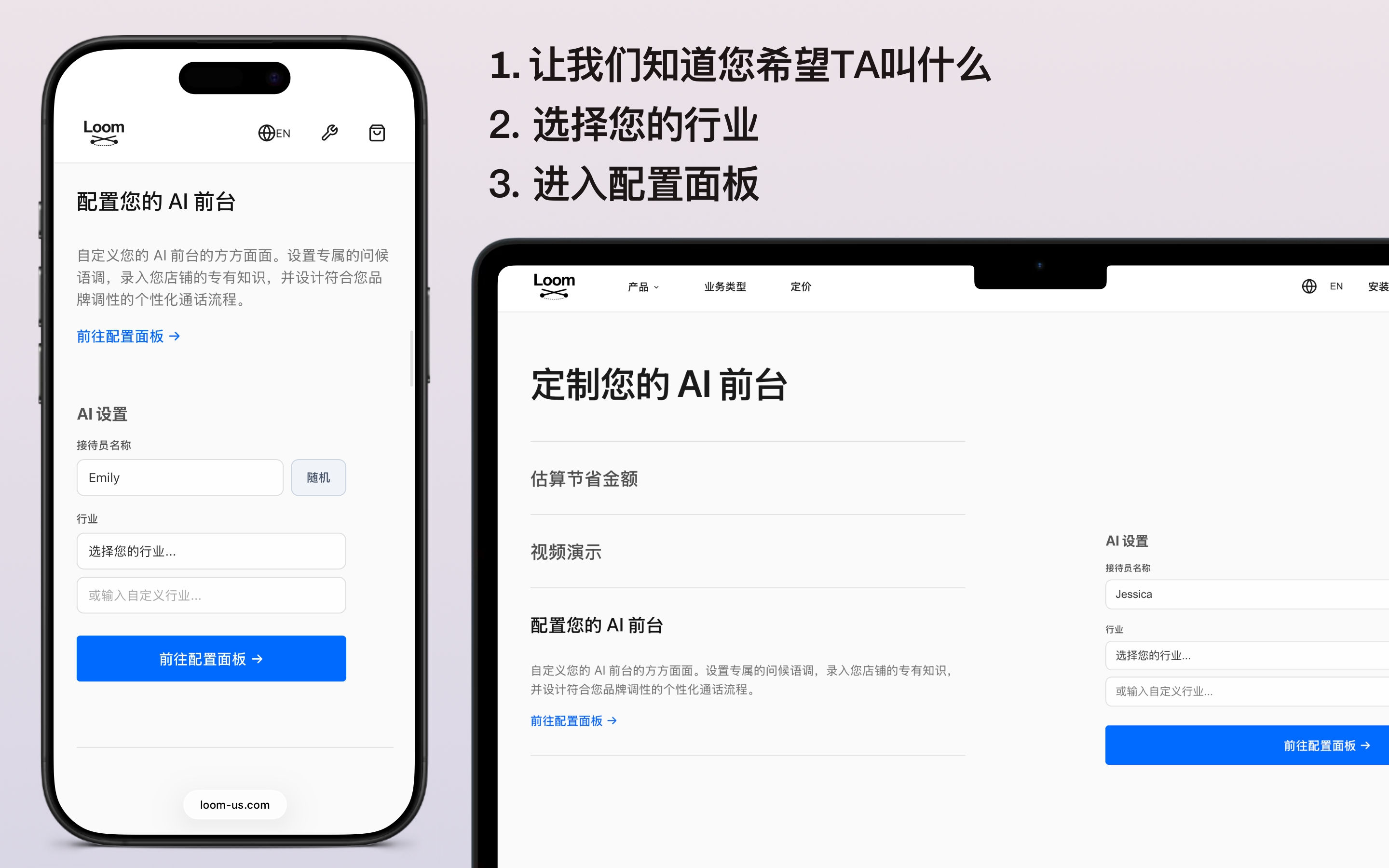
- Choose your AI's tone and language, then enter the configuration panel
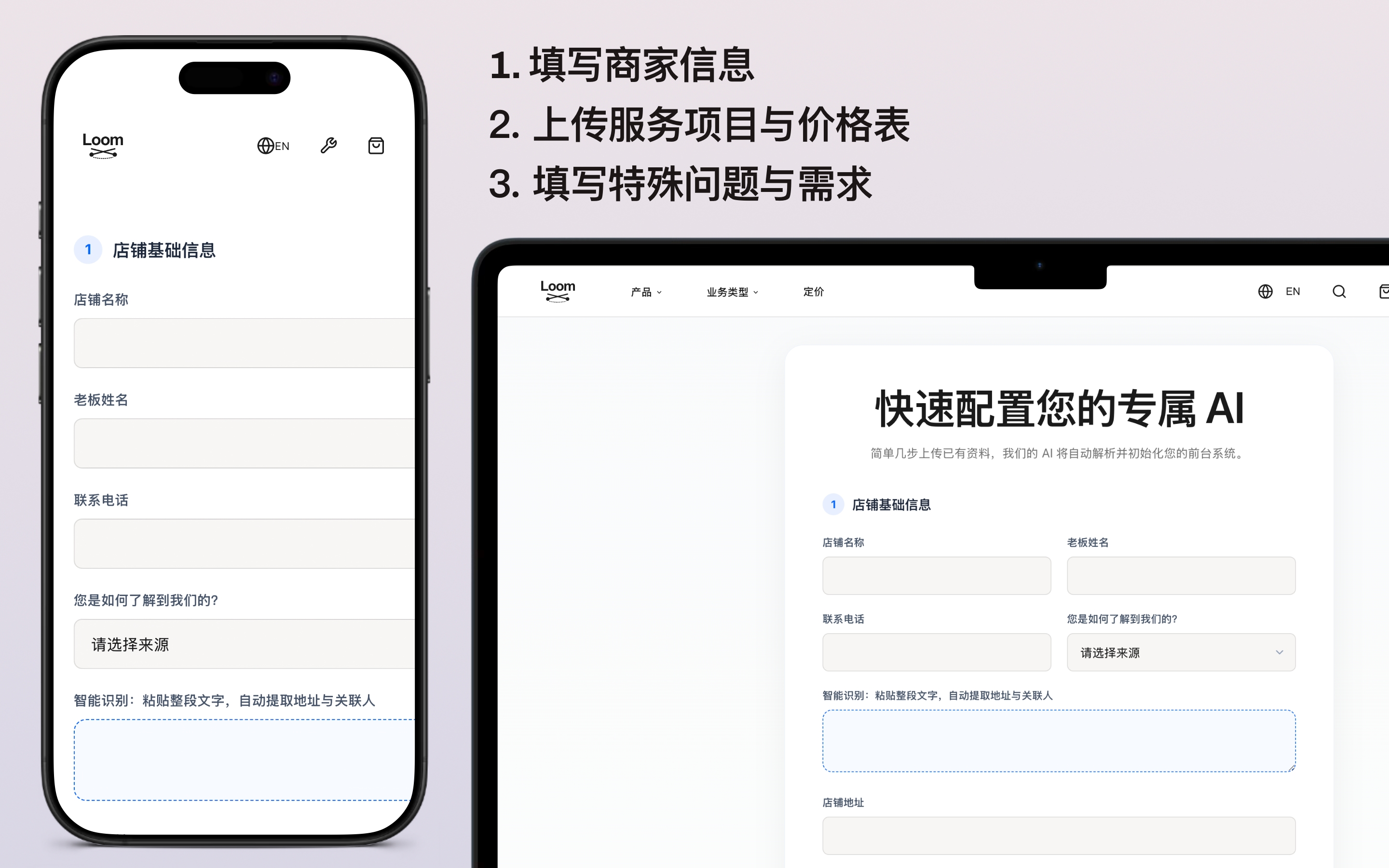
- Fill in your business details (name, address, phone number) and upload your services & price list
- Publish your FAQ knowledge base so your AI learns your business
- Submit for review — our team will verify and finalize your configuration
禁止任何NSFW与露骨内容等
Make a Test Call
- Your dedicated AI phone number will be assigned to your account
- Make a real-person test call to verify your AI's accuracy and responses
- We can fine-tune based on your feedback at any time
Our team runs 3–5 internal test rounds to ensure accuracy before going live

Go Live — Start Taking Calls
- Download the LOOM AI App from the App Store and log in to the account we provide
- On the app home screen, tap once to activate Live Mode
- 24/7 uninterrupted answering — view real-time call analytics in the app
- Appointments automatically sync to your app calendar for easy scheduling
- Review call recordings and analysis reports in the dashboard to improve service quality